


Some dreams are just for you.
Keep your goals, photos and words on your device. No ads interrupting your moment.
 GoalGlance
Your own apartment. A job you love.
Turn what you’re manifesting into personal iPhone widgets.
Your first goal + Progress widget, free.
More money set aside. A place that feels like home. A relationship where you feel loved. Give those wishes a place on your screen, with your own photos, words and goals.
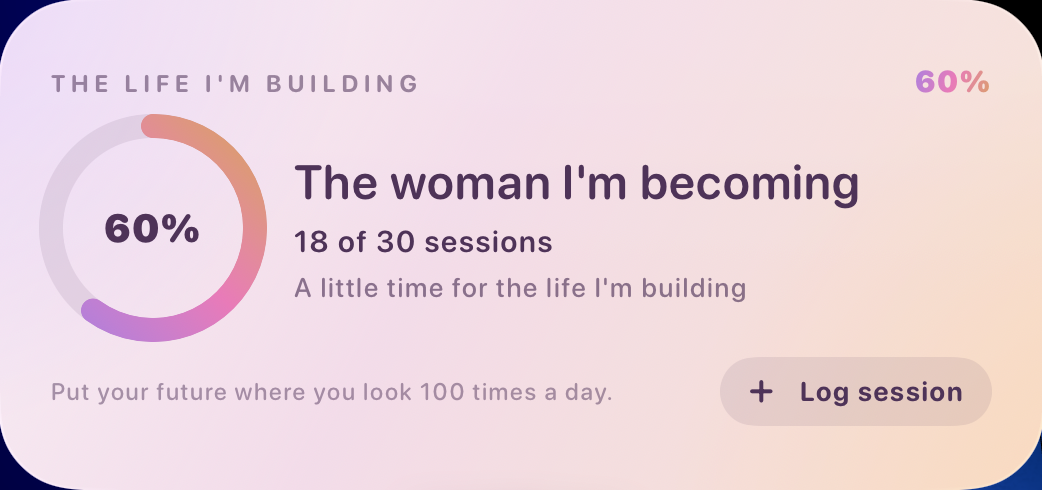
Saving for your own place or a trip? Set your target, update the amount you’ve saved and see your progress on your screen.
Your photos. Your words. Your reasons to keep going.
You’ve saved the apartment photos and written down your wishes. Bring them onto your screen, where you can see them between messages, meetings and everything else.
Keep your goals, photos and words on your device. No ads interrupting your moment.
Choose a photo you love and an affirmation that speaks to you. Make your widget feel personal.
Create one vision and use the Progress widget for free. Premium adds more visions, widgets and themes.
Start with the goal you keep thinking about.
Put it on your screen with your free Progress widget.

Yes. Download the app, create one vision and use the Progress widget for free. Premium unlocks unlimited visions, all premium widgets and all themes. Prices and any trial offer are shown in the app before you subscribe.
Create your first vision in GoalGlance. Then touch and hold an empty area of your Home Screen, open the widget gallery and search for GoalGlance. Choose your widget and add it to your screen.
GoalGlance supports Home Screen and Lock Screen widgets. Use the Home Screen for photos and larger vision boards, and the Lock Screen for compact words and numbers. Available layouts depend on the widget you choose.
You can get started without an account. Your goals, words and chosen photos stay on your device. An optional account can connect your subscription.
GoalGlance is available for iPhone with iOS 17 or later, in English and French. There is no Android version at the moment.